

If you are a new user and creating a new account you will need a ‘Registration Key’ which you can get after purchasing a product.
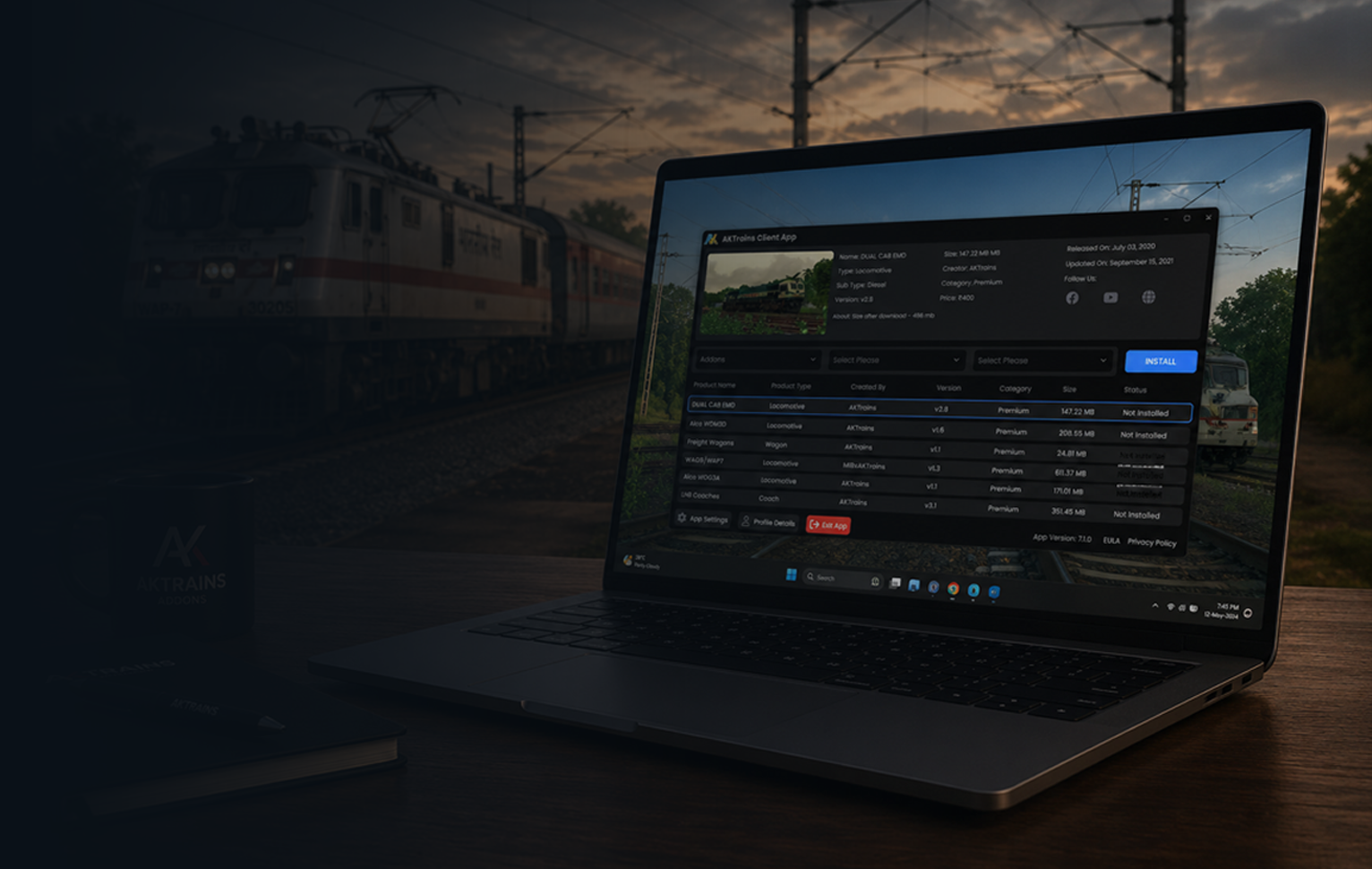
After you login the new app for the first time, you will be asked to set your Railworks directory. Just go to the Settings and Paste your Railworks folder directory as shown in the image below.


When you open the AKTrains app you will get two option. “Download Addons” and “Activate to Play”. To play the add-ons you must click on the “Activate to Play” button. After that you can launch game and use the add-ons in the game. To close app simply click on the “Exit App” button.
The new app v7.0 will also run in offline mode for a limited time period.

If you are a new user and creating a new account you will need a ‘Registration Key’ which you can get after purchasing a product.
After you login the new app for the first time, you will be asked to set your Railworks directory. Just go to the Settings and Paste your Railworks folder directory as shown in the image below.
When you open the AKTrains app you will get two option. “Download Addons” and “Activate to Play”. To play the add-ons you must click on the “Activate to Play” button. After that you can launch game and use the add-ons in the game. To close app simply click on the “Exit App” button.
The new app v7.0 will also run in offline mode for a limited time period.